



Email Preferences and Group Memberships
You can unsubscribe or subscribe to our weekly newsletter email by editing your membership profile on SiEntries
- In the “Active Memberships” section click on the blue “Edit” tab at the bottom of the “Long Distance Walkers Association” section
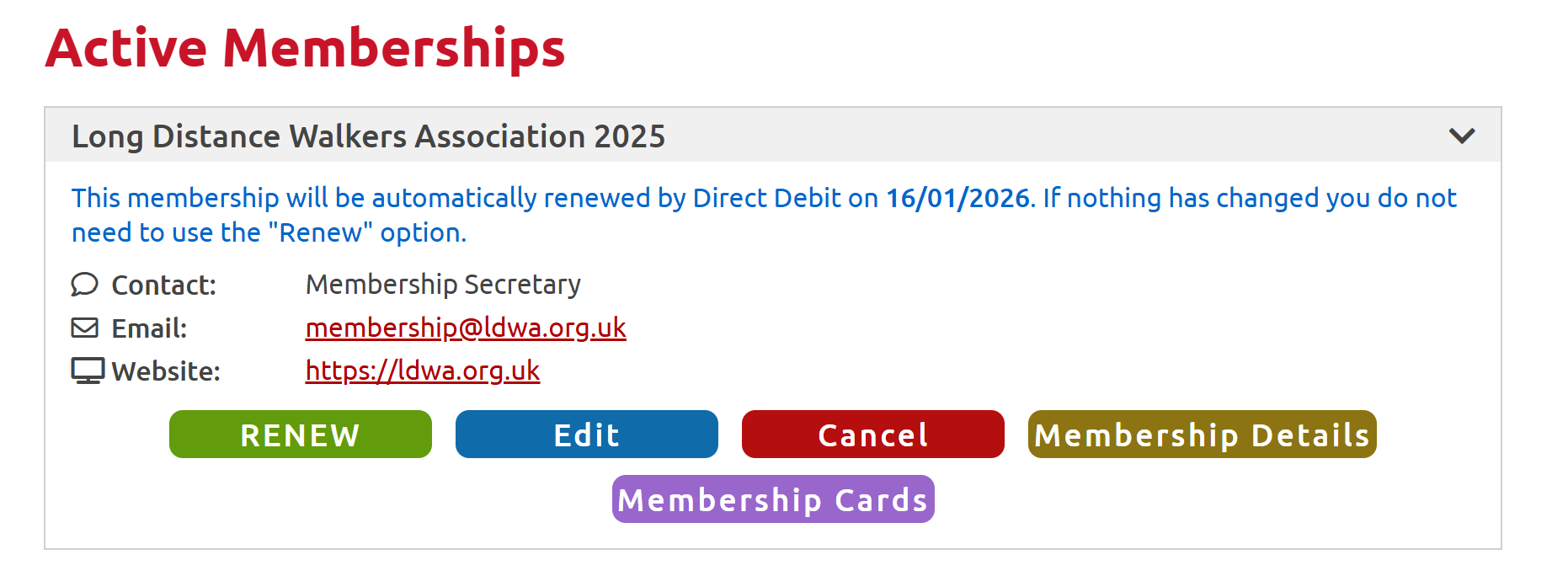
- On the next page click the blue “Edit” tab in the row containing your name under “Membership Details”
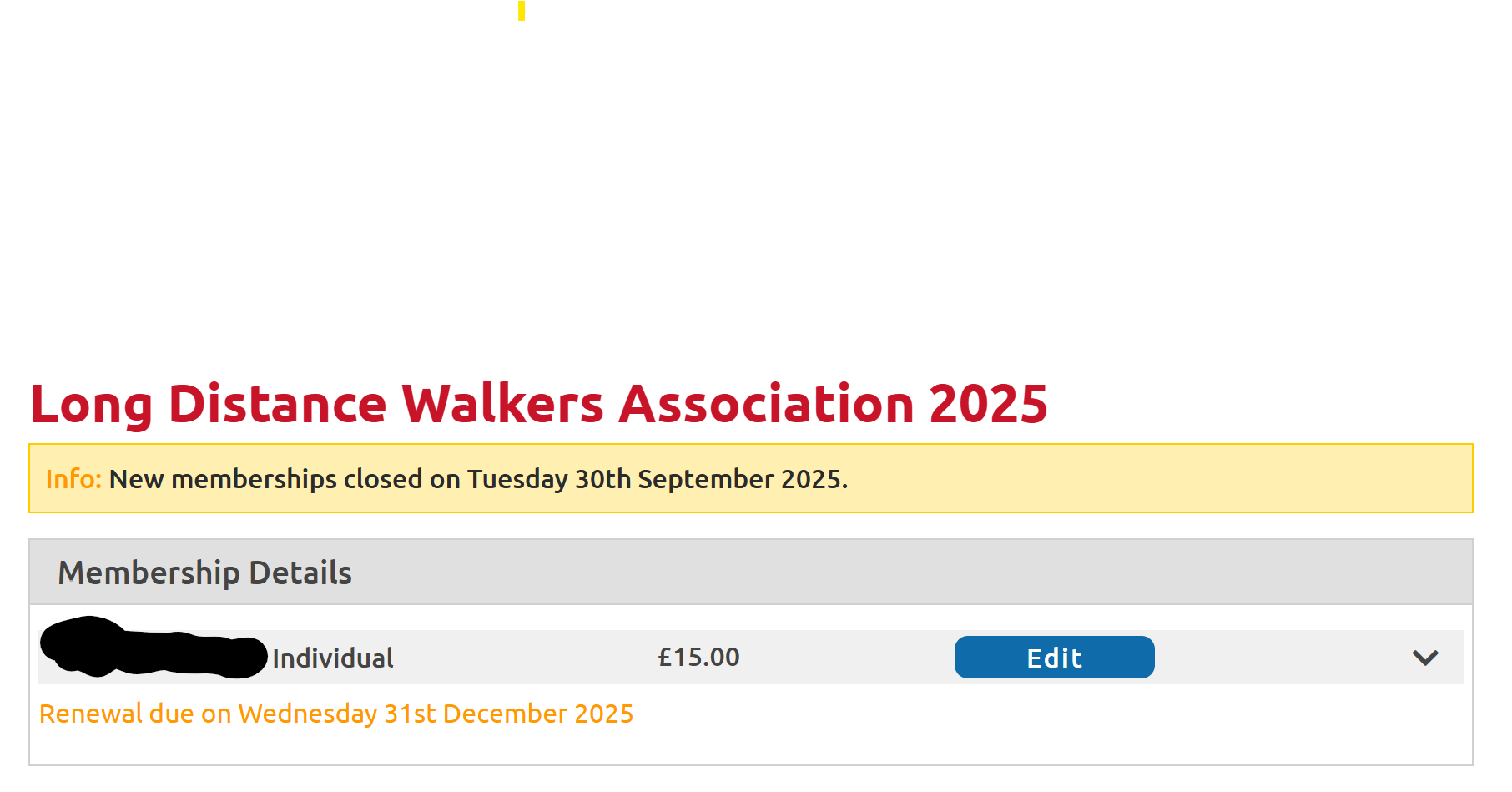
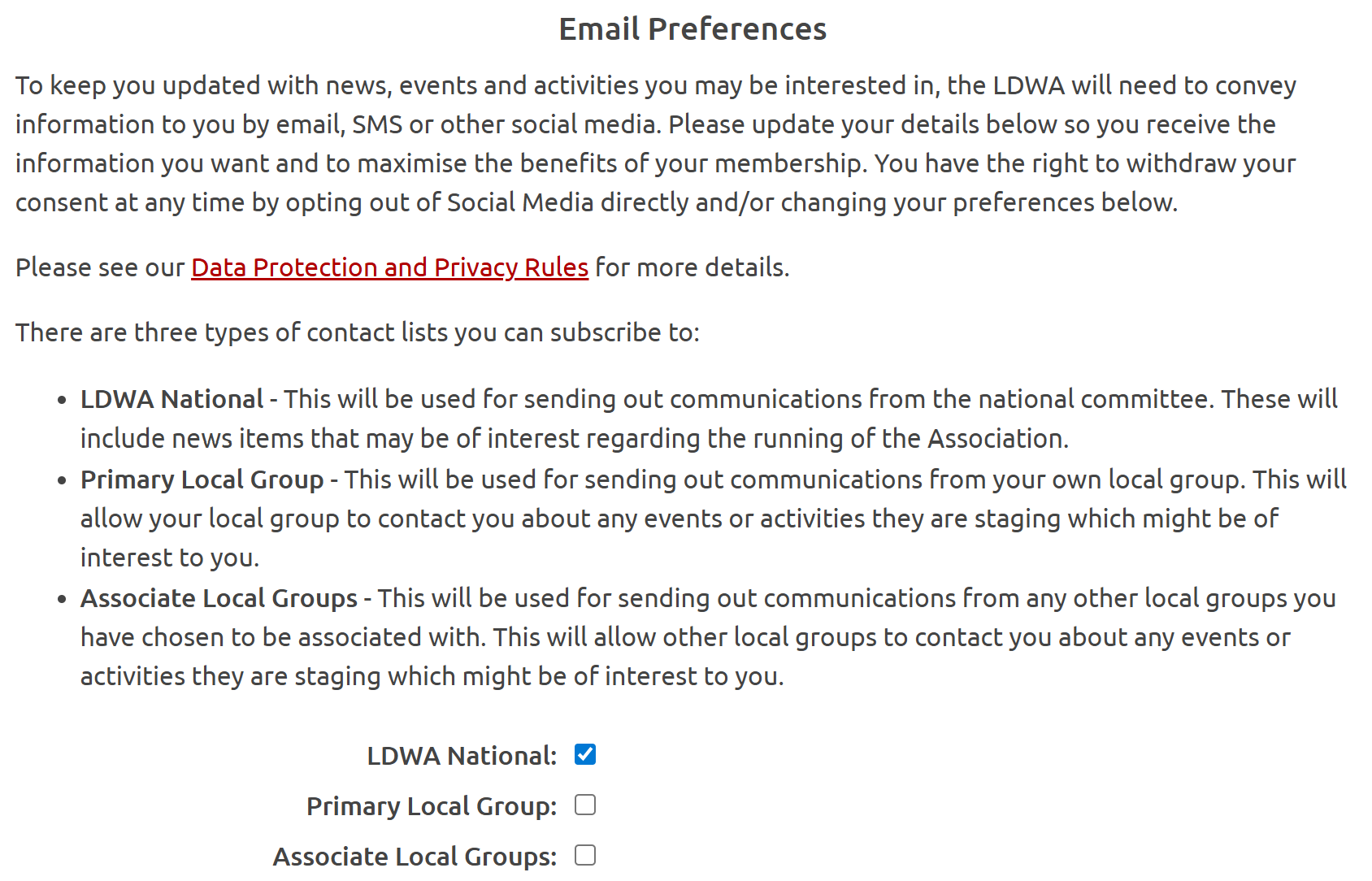
- On the following page scroll down to the “Email Preferences” section.
- Click on the boxes next to the contact list types you wish to unsubscribe from to remove the blue tick from the box.
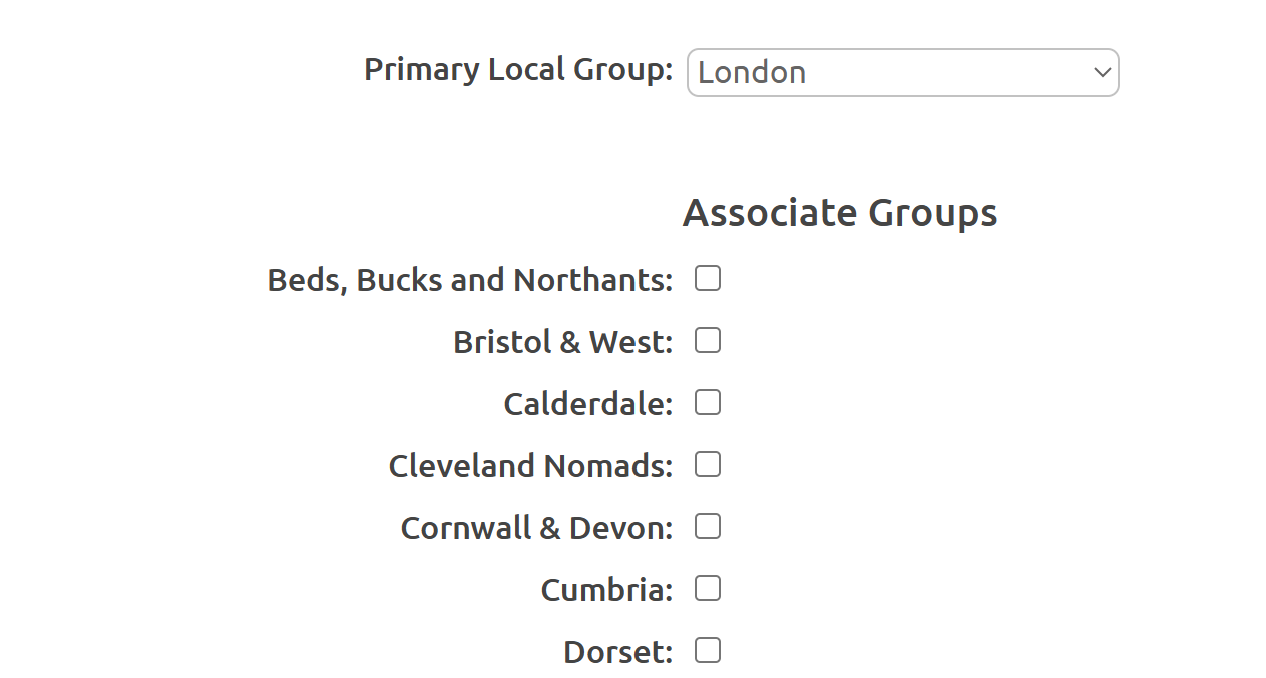
- Above the "Email Preferences" section you may also become an Associate Member of additional LDWA local groups in addition to you Primary Membership of the London group.
- You will then receive emails about their walks and events in addition to those organised by ourselves.
- Adding associate groups or changing your primary group is described below.
- Once your have changed your preferences, scroll down to the bottom and click “Next”
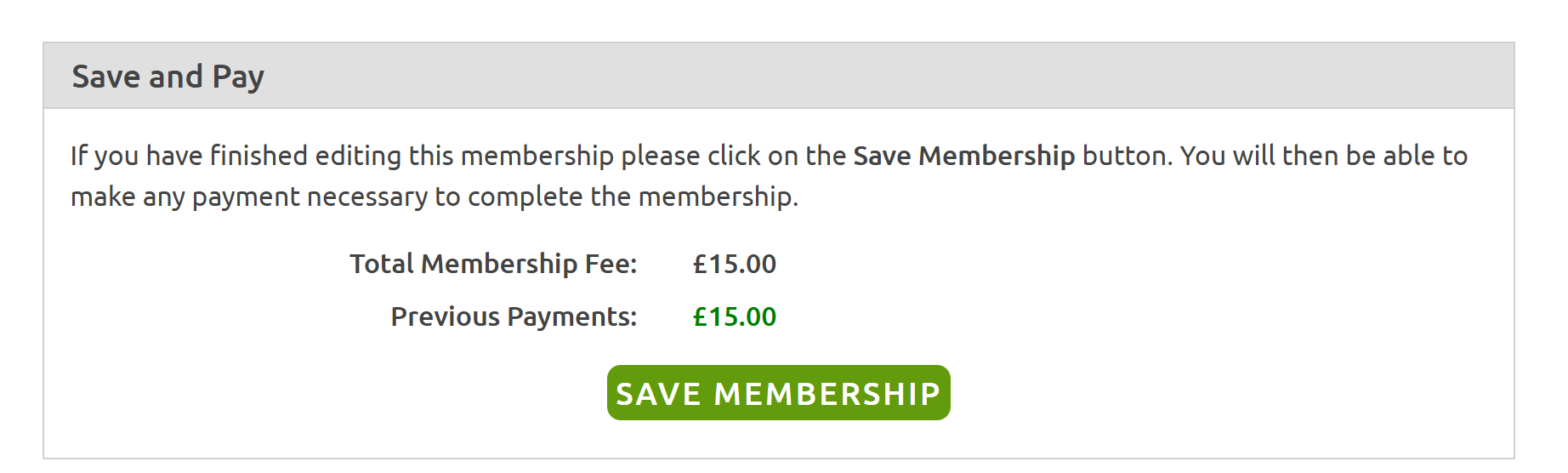
- You then need to tick the disclaimer and terms of use boxes before clicking on “Save on Membership”.
You can also change your local group and join other groups by editing your membership profile on SiEntries
- In the “Active Memberships” section click on the blue “Edit” tab at the bottom of the “Long Distance Walkers Association” section
- If you wish to change your primary group click on the down arrow next to the name of your current primary group in the “Primary Local Group” box, scroll to the one you wish to make your primary and click on it
- To add yourself as an associate member to any group other than your primary one click in the box next to the name of that group in the list under “Associate Groups”.
- You can click on as many Associate Groups as you want
- In the Email Preferences section you can select if you want emails from your Associate Groups in addition to those from your Primary Group, or not emails from either.
- Once done scroll down to the bottom and click “Next”
- You then need to tick the disclaimer and terms of use boxes before clicking on “Save on Membership” as detailed above.